 2023-2026
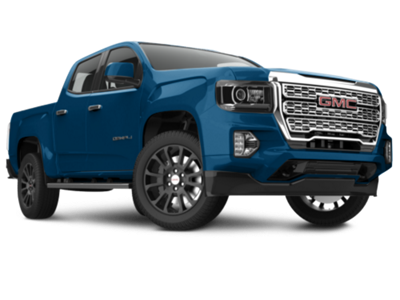 2015-2022

Installation Time
(approx) 20 Minutes
Difficulty Level:
Light to Moderate mechanical skill required.
Installation Guides
No guide available for this part yet.
 FREE 1 to 3-Day Delivery on Orders $149+ Details


$129.95 set
CONFIRM THIS FITS YOUR VEHICLE!
Saved - View your saved items
We're sorry. We couldn't save this product at this time.
or use

Features, Description, Reviews, Q&A, Specs & Installation
Vehicle Backup Camera Programming. The Infotainment OBD Genie Backup Rear View Camera Programmer for IO4, IO5, and IO6 option codes allows GM owners to effortlessly activate their vehicle’s factory backup camera feature. This device programs vehicles quickly without complicated procedures, improving safety and convenience by enabling the built-in factory screen. It provides a straightforward solution to unlock the backup camera functionality as originally intended by the manufacturer.
Durable Interface Design. Designed with high-quality components engineered in the USA, this programmer connects seamlessly to the vehicle’s OBDII port. Its compact and sturdy design ensures easy use and long-lasting durability, able to handle regular automotive diagnostic connections while maintaining a professional finish.
Installation Ease. Installation requires no drilling or vehicle modifications. Simply connect your backup camera to the factory radio screen, then plug the programmer into the OBDII port located under the steering column. The process is quick and user-friendly.
Application. Specifically made to fit 2015-2024 Canyon models, this programmer works exclusively with vehicles that have IO4, IO5, or IO6 option codes, which can be confirmed by checking the glovebox sticker.
Infotainment G-RVC
CA Residents:  WARNING: Cancer and Reproductive Harm - www.P65Warnings.ca.gov
Installation Info
Installation Time
(approx) 20 Minutes
Difficulty Level:
Light to Moderate mechanical skill required.
Installation Guides
No guide available for this part yet.
What's in the Box
